Tutorials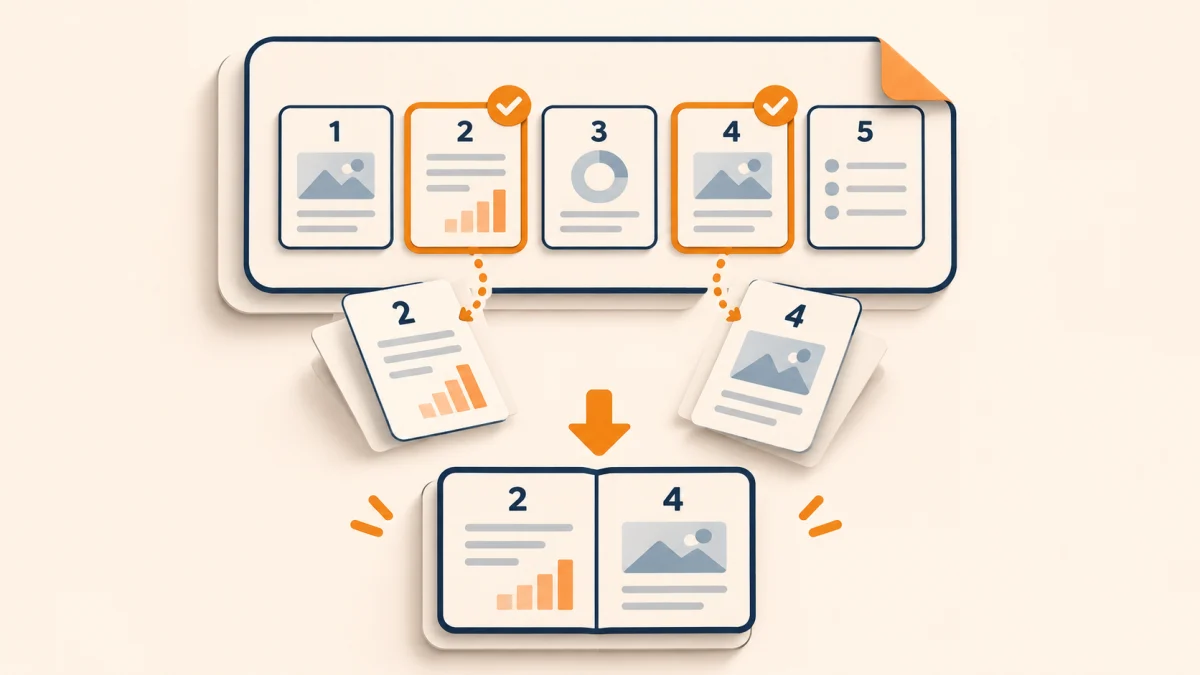
2026-11-22SanPDF Editorial Team
How to Extract Selected Pages From a PDF
Export just the pages you need, check page numbering and order, and keep the original PDF intact.
Read Full ArticleExpert guides, workflow tips, and technical deep-dives
Export just the pages you need, check page numbering and order, and keep the original PDF intact.
Read Full ArticleConvert PDF pages into separate images, choose a format for your destination, and check small text before sharing.
Read Full ArticleStart with a representative page and check the converted PPTX for editable text, fonts, charts, and slide layout.
Read Full ArticleProtect a copy before sharing it, verify the recipient can open it, and remove an existing password when authorized.
Read Full ArticleImport PDF tables with Excel Power Query on Windows, or rebuild a small table manually, then check rows, leading zeros, dates and totals before using the XLSX.
Read Full ArticleBuild one PDF from several documents using a clear file sequence, then check page boundaries, duplicates, orientation, and the final attachment size.
Read Full ArticleReduce a PDF for an upload or email attachment, compare actual file sizes, and check small text and images before choosing the final copy.
Read Full ArticleTurn a PDF into an editable DOCX, then check paragraphs, tables, page breaks, and numbers before sharing the result.
Read Full Article